Today i’m gonna show you how to run blackberry apps right on your computer. just follow this simple few step.
STEP 1
download BLACKBERRY simulator HERE
STEP 2
Install it on your computer
STEP 3
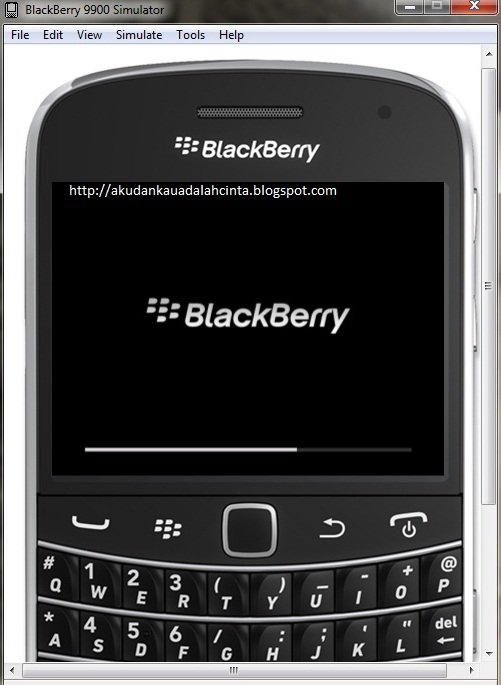
click launchrun and probably it will ask you to allow exception in firewall, then click Allow, and the figured below with come up..
STEP 4
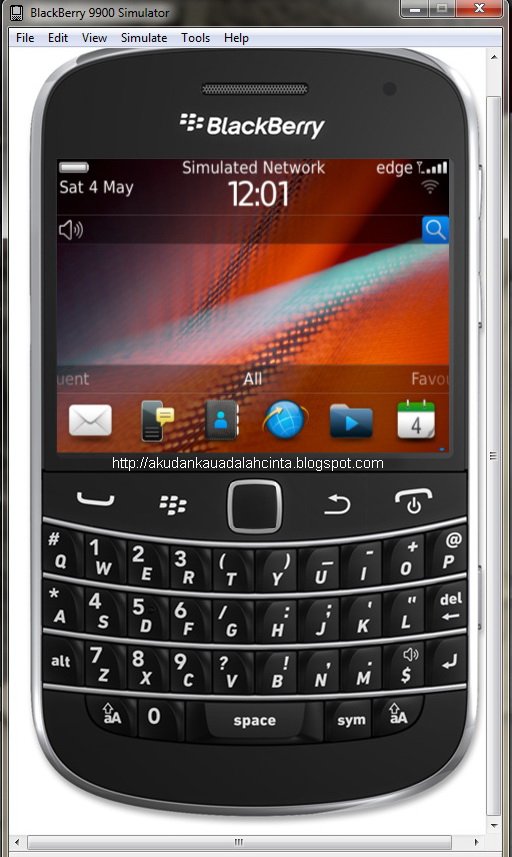
when it boot up, it will look like the original blackberry, and now go to App world and download anything you want
STEP 5
We are done!! have a nice day. Feel free to ask me question if you got any problem.